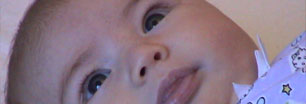
Crystal, or anyone else - who's good at these type of things
CantWait wrote: I need this imagine made bigger by a bit, length wise, maybe a bit width as well. Is there anyway of doing that without distorting the image.
TIA.
CantWait replied: Guess it would help if I included the image.
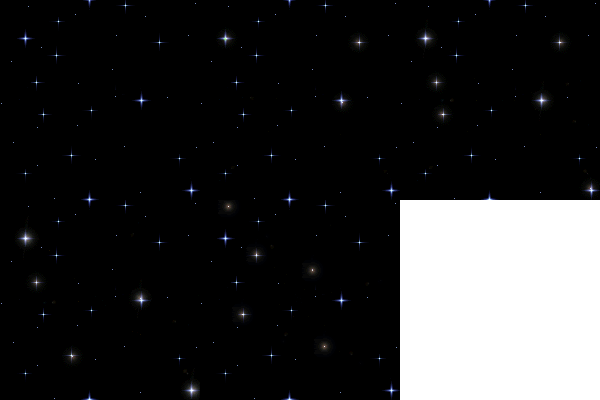
Crystalina replied: I don't think it can be done for two reasons. One it's animated and the animation will look horrid if you mess with the size and two, it's just too small and it will look horrid if you mess with the size. LOL It's never an issue making items smaller (even animations) but when you try to make the smaller item larger then it's really hard to do and still have the image be worth anything.
Sorry. 
Crystalina replied: Maybe someone else has a suggestion?
CantWait replied: Pretty much what I thought, but I had to try. Thanks. 
cameragirl21 replied: I tried to clone it larger but was unsuccessful...I'm afraid I agree with Crystal.
bluebear replied: I made my font size really big in firefox and the picture came up bigger and looked fine, but then I realised it was animated.
MommyToAshley replied: Is this wide enough? Wasn't sure how much larger you wanted it. Let me know the dimensions and I'll make it larger for you.

A&A'smommy replied:
thats exactly what I was going to say!!
CantWait replied:
Oh wow, that's awesome DeeDee, thanks. 
Crystalina replied:
...and JUST WHAT is that supposed to mean Jennifer??? 

MommyToAshley replied:
you're welcome... glad it worked for you.
cameragirl21 replied:
what I meant was, I'm afraid I can't be of any help either because you are right.
I'd love to know what Dee Dee did...I was able to clone it bigger in photoshop but then it lost the twinkles and just became a flat, non moving image with stars.
How'd you do it, Dee Dee, inquiring minds want to know.... 
MommyToAshley replied: Jennifer, Instead of making the entire image larger in photoshop as that would distort the image like you described, I made the canvas larger and duplicated the image in each frame.
|